
Realistic AI images: how to make AI images look real
Realistic AI images come down to five fixes, because AI images look fake for the same five reasons every time: flat front light, skin with no texture, a perfection no camera produces, a subject pasted onto a backdrop, and prompts full of style words. Fix them by describing the camera that took the photo, adding the flaws a real camera leaves, and building the place before the person.
Every image model can make a photograph now. What it can't do is decide what kind of photograph. Leave that decision empty and it fills the gap with the average of everything it has seen, which is why so much AI work looks the same: glossy, centred, lit from nowhere.
Here are the five tells I check on every image, and what I do about each one.
1. The light comes from nowhere
Most AI images are lit from the front and from everywhere at once. Real light has a source you can point at, and it throws a shadow you can follow. Name one light and say where it is.
If the shot needs drama, put the light behind the subject. A backlight separates them from the background and gives the edge glow you see in real campaigns. The backlight prompt and the lighting maps show both.
2. The skin is plastic
Models smooth skin because smooth skin is what retouched stock photos taught them. Ask for the opposite in plain words: visible pores, uneven tone, natural redness, no beauty smoothing. If the skin has gone orange, correct the colour first, then the texture.
The skin realism prompt works on any model, and there's a Nano Banana Pro version. For the orange cast, dead eyes and flat light in one go, use the three fix prompts. The whole skin routine, from the prompt to video, is in realistic AI skin.
3. It's too perfect
Perfection is the tell. A real photograph carries the fingerprints of the machine that made it: grain, dust, a highlight that clips, framing a touch off-centre. Declare the flaws you want.
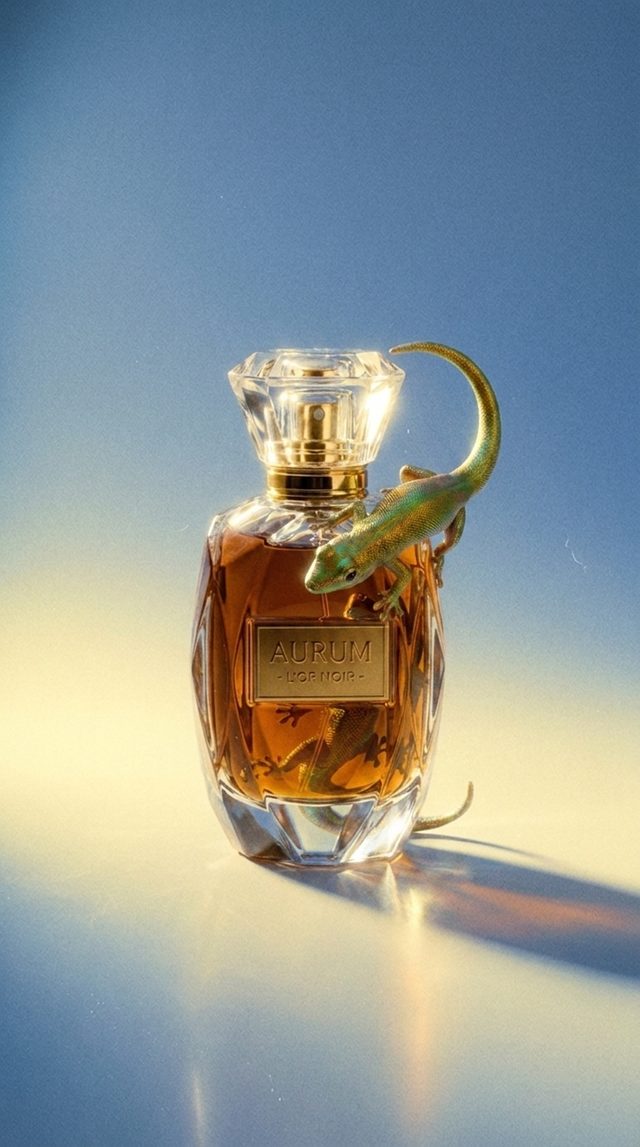
Don't add grain afterwards in an editor. Noise laid on top of a plastic image still reads as plastic. Bake the texture in with a generative upscaler, then lay real scanned dust over it. The texture pack has the five plates and the exact settings.
4. The subject is pasted onto a backdrop
Write the person first and you get a person in front of a picture of a place. Write the place first (the year, the city, the weather) and give the subject one line. You get a photograph of somewhere, with someone in it.
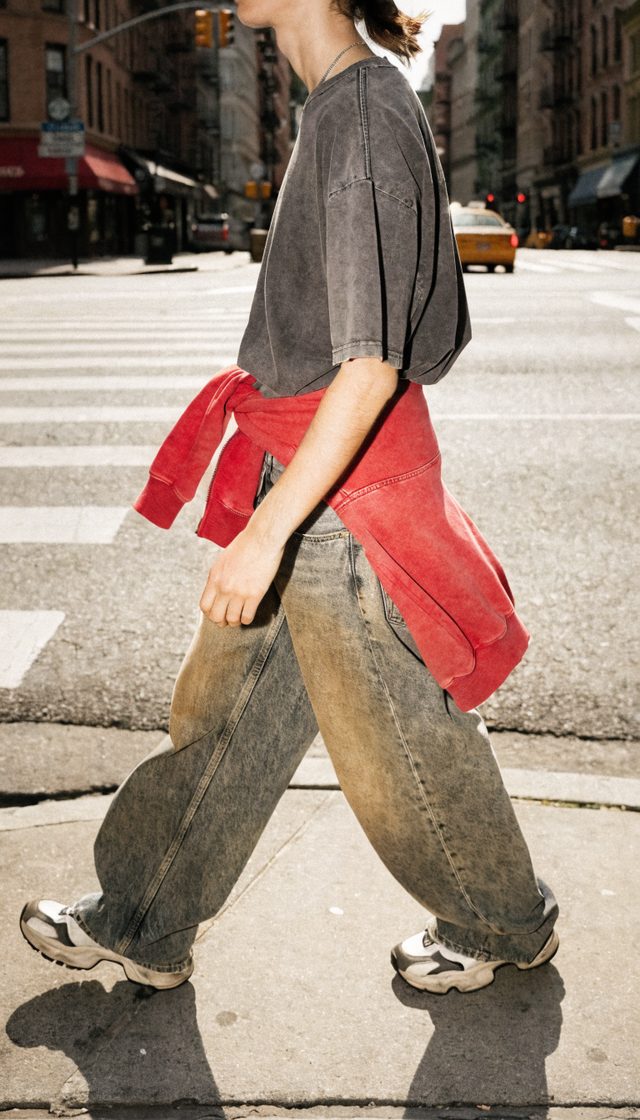
This is pass three of the three passes: camera, imperfection, world. Run them in that order on anything.
5. The prompt is full of style words
"Cinematic, stunning, ultra-detailed, 8K." Those words are the AI look. They describe how an image should make you feel, and the model answers with its average of every image tagged that way. Name the equipment instead: a real lens, a real camera, one film stock. A named rig has physics the model has to respect.
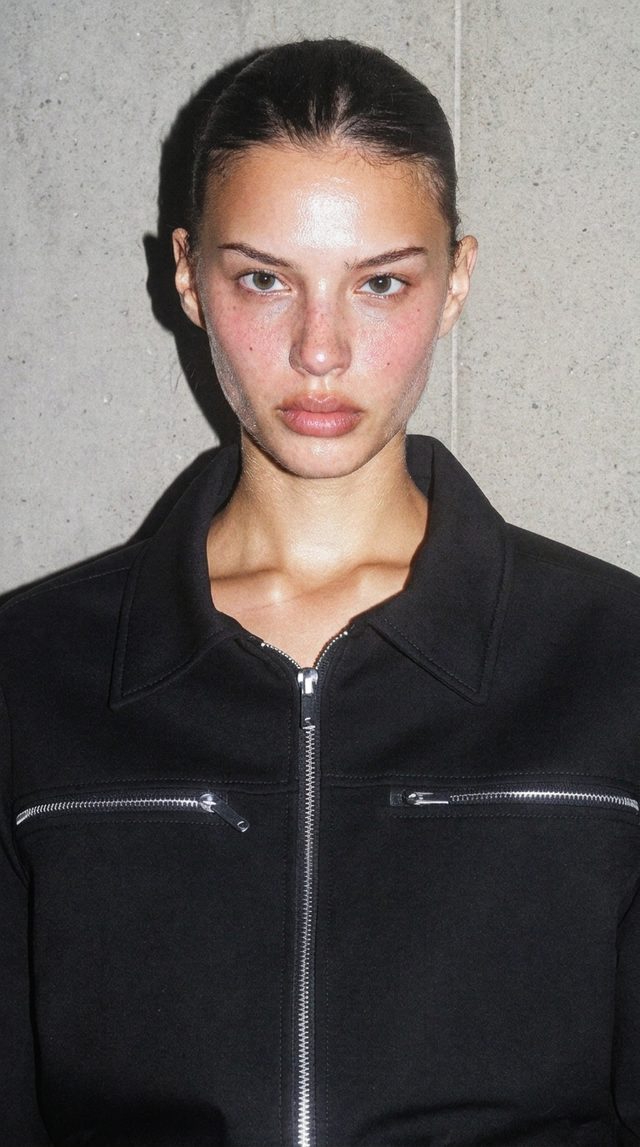
The camera angle does more work than any adjective. Shoot from below and the subject feels larger than life; straight-on reads as stock. The low-angle guide shows why it works and gives you a prompt to try.
The order I run it in
- Build the world: place, year, weather.
- Name the camera, the lens and one light.
- Declare the flaws.
- Generate, pick the best, upscale only that one with real texture.
- Fix skin and colour last, if they need it.
The same thinking works on video: realistic AI video that looks like phone footage.
Questions
Which AI image model looks the most real?
The model matters less than the direction. Nano Banana Pro, GPT Image 2, Midjourney and Higgsfield Soul can all make work that passes as a photograph when the prompt names the camera, the light and the flaws. Pick the model for the job: Nano Banana Pro for keeping a real product or face consistent, Midjourney and Soul for mood.
Why does AI skin look plastic?
The models learned from retouched photos, so smooth skin is their default. Ask for pores, uneven tone and no beauty smoothing, then add texture with a generative upscaler rather than grain in post.
Should I add film grain in Photoshop?
No. Grain added on top sits over a plastic image and still looks fake. Put the film stock in the prompt and let a generative upscaler rebuild real detail.
This is one piece of the system. Build AI Creative Systems That Win Clients takes it from a single real-looking image to a whole campaign that holds one look, and to the client who pays for it.