
FREE WORKFLOW · 1 META PROMPT
Texture realism.
Make fabric, leather, metal or any material read as real, sharp enough to zoom right in.
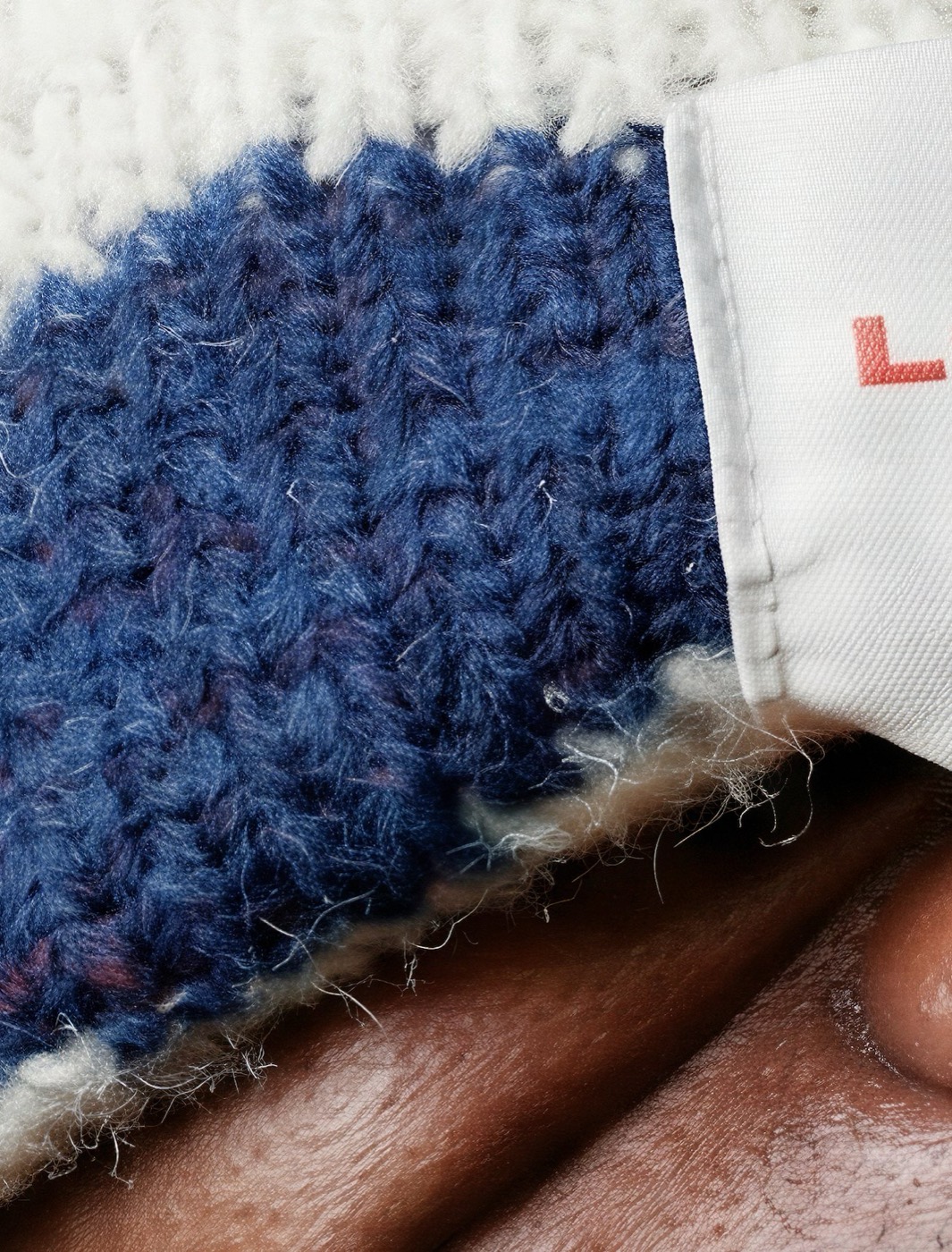
The tools.
You can find these on sites like Higgsfield, Freepik or Weavy. Magnific you may need to use on its own website: magnific.ai. Weavy includes all of them.
- Nano Banana Pro
- Magnific
- ChatGPT, for the meta prompt
Write the texture prompt.
Take an existing image or make your own. Drag it into ChatGPT 5.1 and paste the meta prompt below. It identifies the material and writes a realism prompt for it.
Texture realism meta prompt
WAVI-TEXTURE_REALISM_META_PROMPT:
When an image is uploaded, identify the material(s) in the garment or object.
Then generate a tailored realism-enhancement prompt based on the material’s true physical behaviour.
Your prompt must enhance:
– micro-detail appropriate to that material
– surface imperfections and natural wear
– realistic fold behaviour and compression
– accurate specular response for that material
– high-resolution RAW clarity
– authentic texture identity (NO fabric change)
– cinematic lighting behaviour
This engine must work for all material types (fabric, wool, leather, rubber, plastic, metal, mesh, denim, ceramic, latex, synthetic, natural fibre, etc.).
Output ONLY:
“ENHANCED_TEXTURE_REALISM_PROMPT: …”
with the adapted realism instructions.
Run it in Nano Banana Pro.
Step 2
At this point you will have a prompt built for you. Drag the same image into whatever platform you are using and change the model to ‘NANO BANANA PRO’. Choose 4k.
Upscale in Magnific.
The texture should now be much stronger. To zoom in like the example, upscale it in Magnific (magnific.ai, or on Weavy).
Magnific settings
Choose ‘Precision’ mode. Then drag your texture enhanced image into the input image box. Scale factor: the larger you choose, the better quality it will be when you zoom in. But you may get an error so keep choosing a lower number of upscale until it works. I also like to pump up the sharpen to about 60% and keep the noise low. 5%
Export
It’ll take a few minutes because you inputted a large 4k file and are upscaling it to be larger. So be patient and when you’re done the texture should be crisp! Download at 100% png.
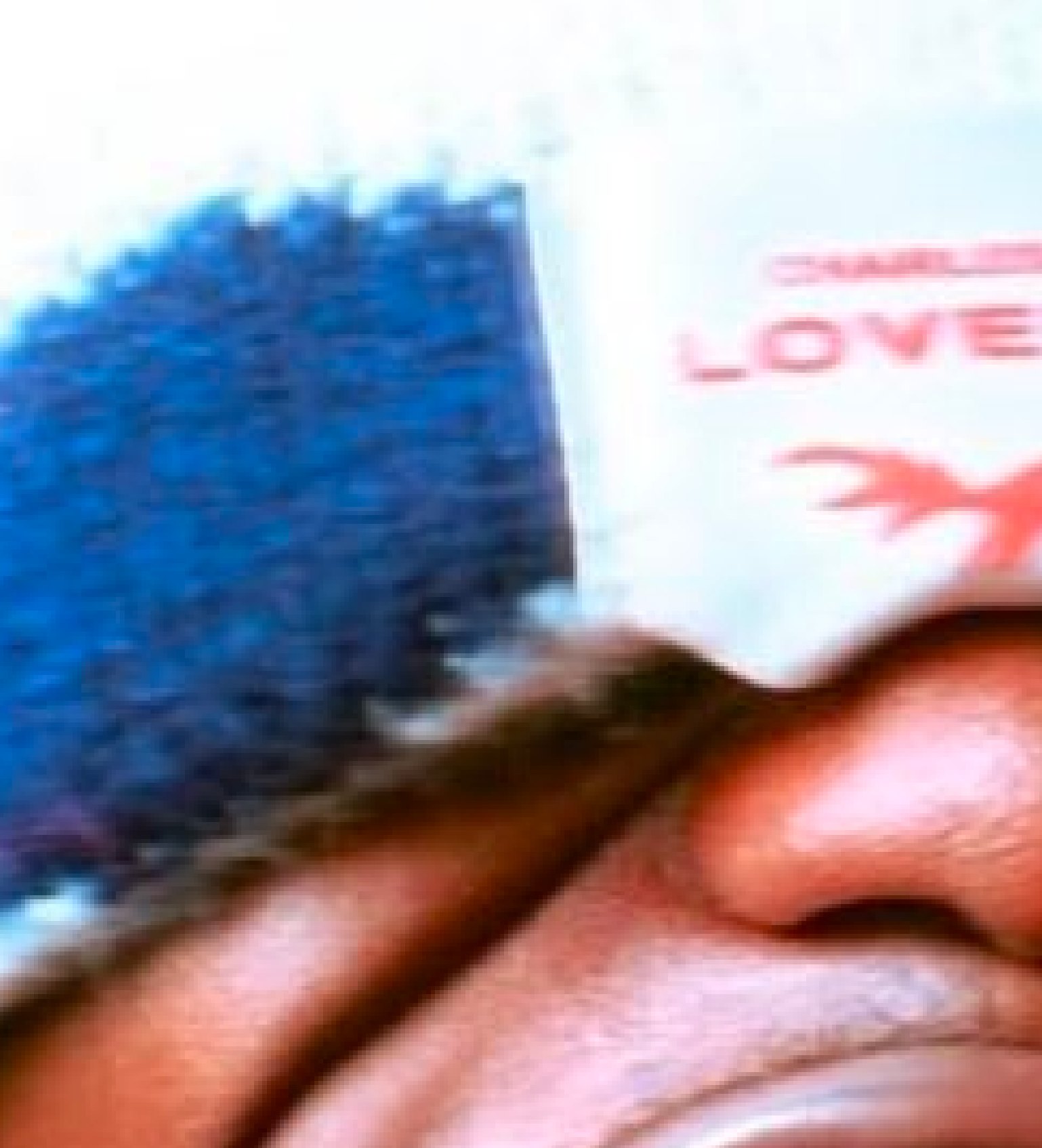
Before and after.
Take it with you.
BUILD AI CREATIVE SYSTEMS · 2027 EDITION
Start your one-person studio.
Make the campaigns, ads and films brands pay agencies thousands for. On your own, from your bedroom, with AI doing a team’s job. Then get paid for it.
800+ creatives trained37 countries225K+ follow along
The full 2027 Edition
$797$597
Founding rate until 9 Dec
Get the courseOne payment. Instant access. The 2027 Edition is yours for life.
- Make an advert film
- Shoot a product campaign
- Build a fashion campaign
- Make a music video
- Cast like a director
- Build your AI studio
Everything inside
- The full course. Brief to paid job, in the order I use it on real work.
- 6 mini courses inside. Advert film, product campaign, fashion campaign, music video, casting, your AI studio.
- Hotline: 90+ ready-made skills. The course running inside your own Claude or ChatGPT.
- The locked prompts and skills from freebies like this one. New freebies land in the course first, in full.
- Get paid. What to sell, what to charge, and the proposal that wins the job.
- Lessons in 15 languages. Captions and text in yours.
- Quarterly updates for 12 months. What changed in the tools, tested first.
- One payment. The 2027 Edition is yours for life.
On this freebie
Free here
- The texture meta prompt
- Upscale settings and export
Course members
- Reality Serum and Fake Check skills
- 90+ ready-made skills in Hotline